
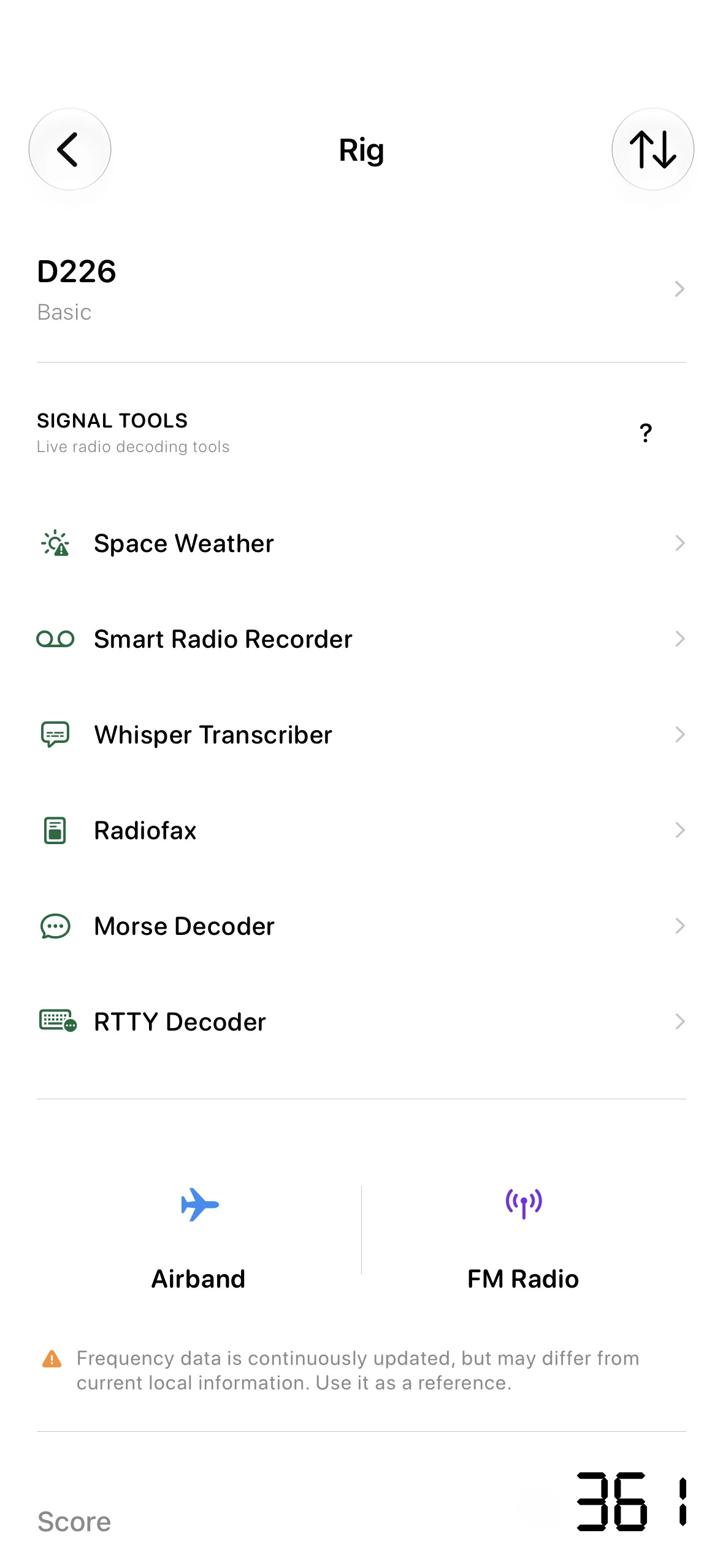
Open Radiofax
Tap Rig on the main screen, then choose Radiofax from Signal Tools. Open World Weatherfax Schedule at the top of the Radiofax screen to browse stations and upcoming broadcasts.
Find a station, enable its schedule, and prepare reception without watching the clock.
Tap Rig on the main screen, then choose Radiofax from Signal Tools. Open World Weatherfax Schedule at the top of the Radiofax screen to browse stations and upcoming broadcasts.
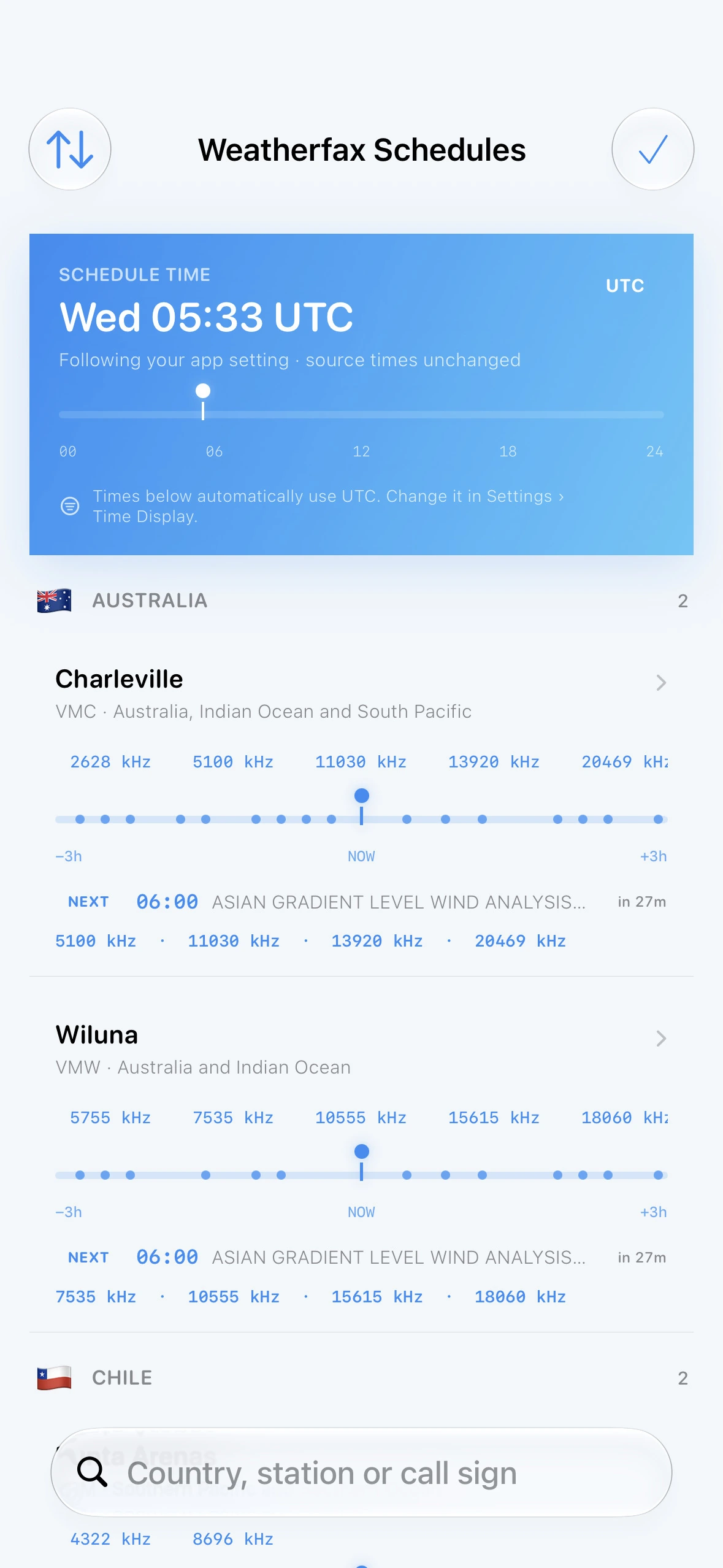
Choose a station from Weatherfax Schedules, then tap a broadcast in its schedule. A blue highlight and bell confirm it is active; SWAtlas alerts you 3 minutes before. Times follow your UTC or Local Time setting.
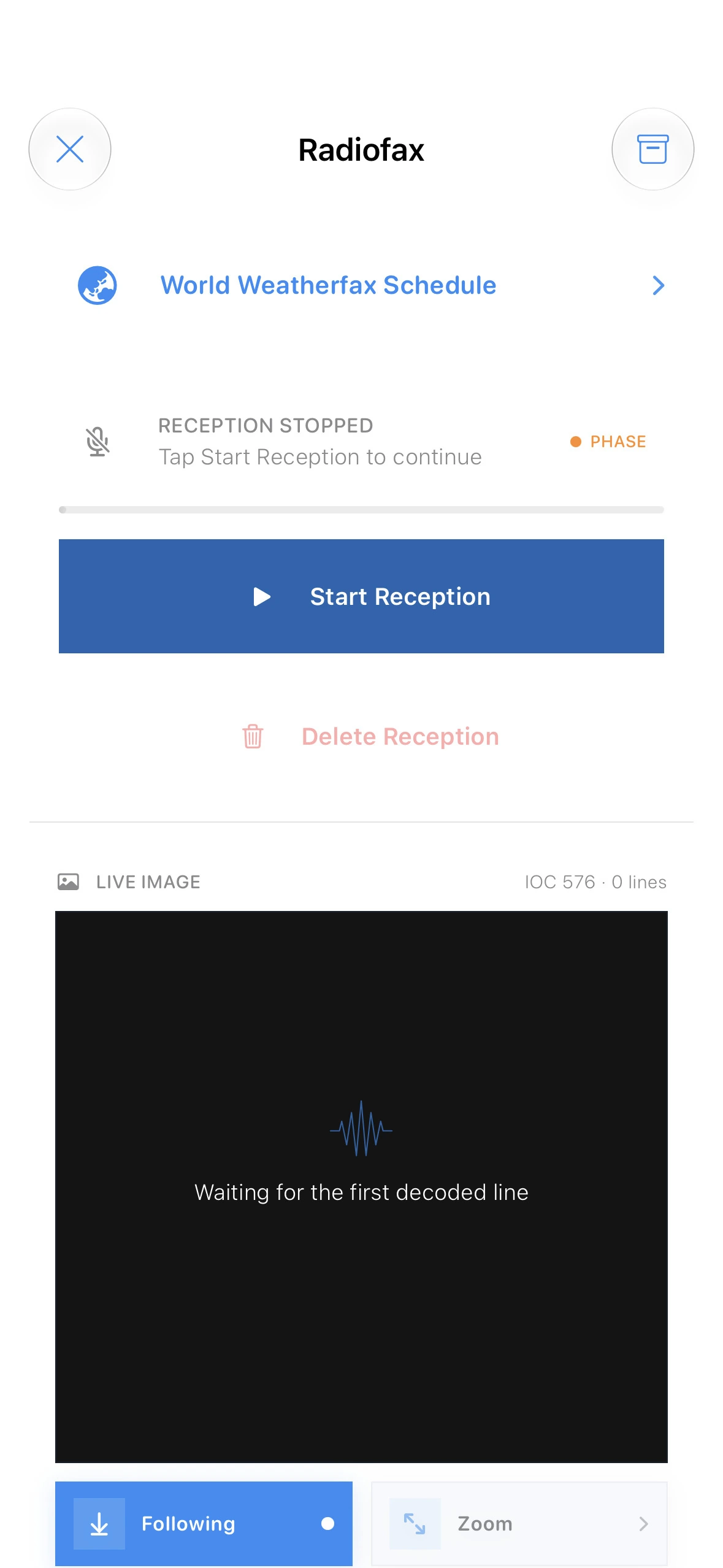
The screen above shows Radiofax before schedule activation. When the next enabled broadcast is within 10 minutes, its countdown and Auto Start control appear. Tap Auto Start before the final 10-second window.
Leave SWAtlas ready: it stays awake while waiting and begins reception 10 seconds early. If broadcasts share a start time, the station higher in your country order takes priority.